Checking on Aging Parents
My Mom Won't Wear Her Medical Alert Pendant. What Are My Options?
By The Cozy Check-ins team·Last updated October 1, 2026
If the medical alert pendant you bought is sitting in a drawer, you're not failing — and neither is your mom. Most go unworn. If she's basically fine and you mostly just want to know she checked in each day, a non-medical daily check-in is a far lower-friction option. Here's how the choices actually compare.
Why won't my parent wear it?
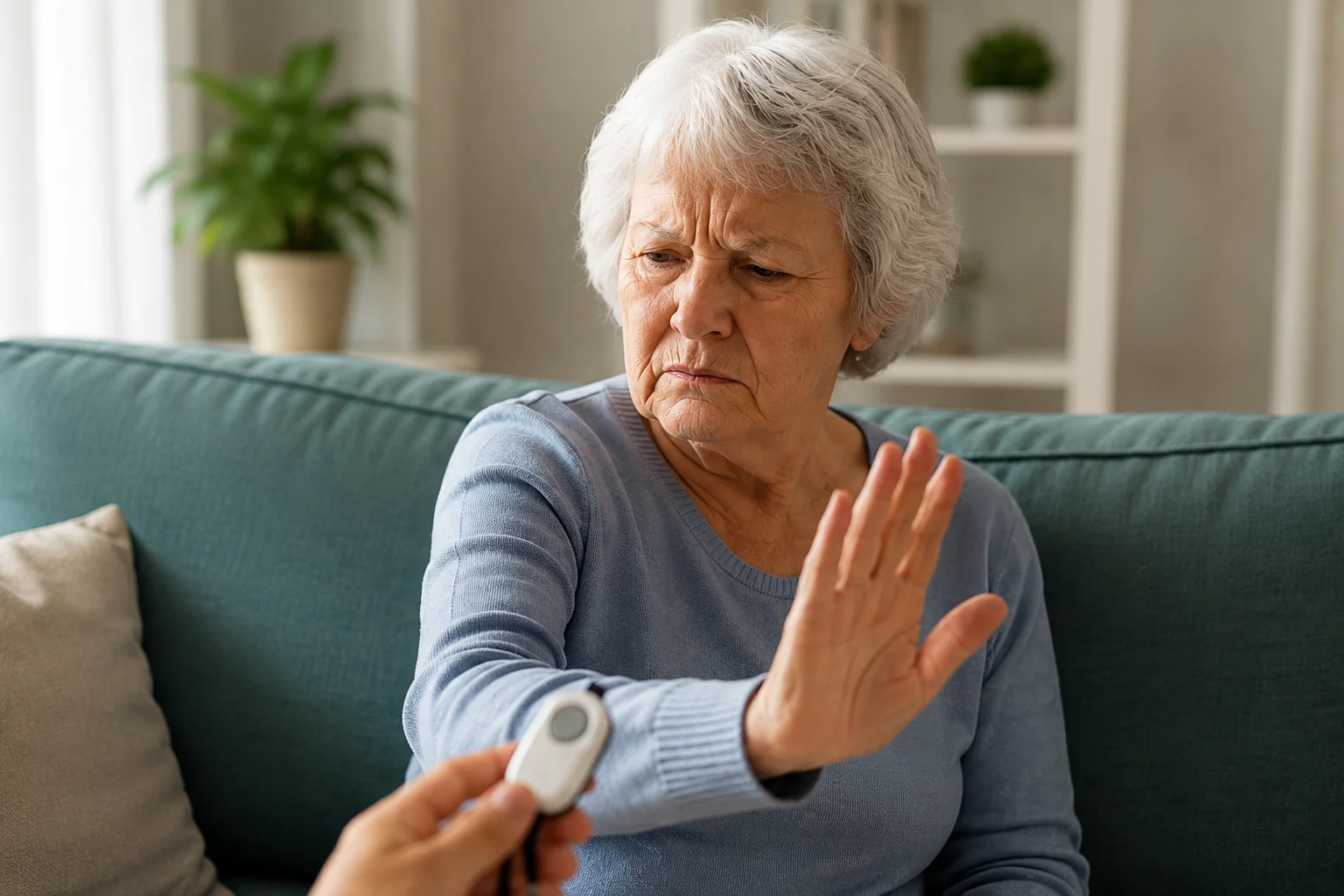
It's usually not stubbornness — it's dignity. A pendant is a visible label that says "I'm frail," and most seniors quietly reject that. The data backs them up: only 18% of medical-alert users wear or carry the device at all times, and 64% don't wear it in the shower (a 2026 consumer survey by The Senior List, a product review site). A device that isn't worn doesn't protect anyone; it just sits there as guilt. So the better question isn't "how do I make her wear it?" — it's "what will she actually use every day?"
Is there a simpler, non-medical option?
Yes — if your real goal is knowing she checked in each day rather than detecting a fall. A daily check-in flips the model: instead of a device she has to wear and trigger in an emergency, she taps one button each morning to check in, and you're alerted only if a day is missed. No pendant, no wearable, nothing to charge. With 26% of adults 65 and older lived alone in 2023 (Pew Research Center, December 2025), a lot of families just want that one daily signal. It is not a medical alert and won't call 911 if she falls — but for a parent who's basically independent, it's a much lighter way to stay reassured.
Honest comparison: pendant vs. camera vs. daily call vs. daily check-in
- Medical alert pendant — the right tool for genuine fall or emergency risk, if it's actually worn. Trade-offs: stigma, low wear rates, a monthly fee.
- Camera in the home — gives you eyes inside, but most parents experience it as surveillance. High dignity cost.
- Daily phone call — warm and human, but it easily starts to feel like "checking up," and it usually falls on one sibling.
- Daily check-in (like Cozy) — lowest friction for the parent: one tap, no app, nothing worn. Non-medical, and it alerts the family if a day is missed. Best when the worry is "is she okay today," not "will she fall."
The honest rule: if your parent has medical needs, that calls for medical equipment or in-person care. A check-in is not a substitute for either. "Basically fine, I just want to know" → a daily check-in.
What it looks like for your parent
One friendly text each morning, one tap — checked in — and she gets on with her day. No app to download, no login, no new gadget on her wrist or around her neck. Cozy Check-ins keeps the parent's side as simple as a light switch; you handle any setup from your phone.
What you get as the family
A simple check-in each day — or a quick heads-up if she doesn't tap, so a quiet day stays quiet and a worrying one gets attention fast. And because the check is shared with everyone in her Circle, it doesn't all land on one sibling.
A quick, honest note (what this is — and isn't)
A daily check-in is a non-medical way to stay connected and reassured. It is not an emergency service or a medical alert, and it shouldn't replace 911. If your parent is at real risk of falls or medical emergencies, a worn medical alert (or more support) is the right tool — a check-in doesn't replace it. Cozy is built for the "basically fine, I just want to know each day" situation. If you're weighing the two, our post on alternatives to Life Alert for non-emergency check-ins walks through it.
Sources
Frequently asked questions
- Isn't a daily check-in less safe than a medical alert pendant?
- They do different jobs. A pendant is for emergencies — falls, calling for help. A daily check-in is for everyday reassurance — knowing your parent checked in. If real emergency risk exists, you may want both; a check-in doesn't replace a medical alert.
- What if my mom forgets to tap her check-in?
- That's the whole point of it being automatic: a missed tap is exactly what triggers a gentle reminder and then alerts the family. You don't have to police it — you only step in when something looks off.
- Does she need a smartphone or an app?
- For the text, she needs a phone that can open a simple text link. A basic smartphone works, and there's nothing for her to install or manage. If she doesn't have a smartphone, Cozy can call her instead: a short automated call each day, and she presses 1 to check in (US only). We're also building an optional Cozy app for seniors who want extra features — it will always be optional, and the simple text check-in is never going away.
- Is it available in Spanish?
- Yes — Cozy Check-ins works in English and Spanish, so the whole family can stay in the loop.
The Cozy Check-ins team
Cozy Check-ins is a daily check-in for older adults — one tap in a daily text, or a short daily phone call for a parent without a smartphone. No app needed for them (an optional app is coming — always optional).
More from the blog

Checking on Aging Parents
My Parent Doesn't Have a Smartphone. Can a Daily Check-In Still Work?
About one in five adults 65+ still doesn't own a smartphone. A daily check-in can still work for them: one short automated call, press 1. Here's exactly what the call says, what happens if they don't answer, and the free programs worth checking.
September 19, 2026

Checking on Aging Parents
My Parent Can't Drive Anymore. How Do They Get to Medical Appointments?
The car keys are gone, and the appointments aren't. Here's where rides to medical appointments actually come from — Medicaid, Medicare, PACE, paratransit, volunteers and phone-booked rides — and who pays.
September 16, 2026
Checking on Aging Parents
Phones for Seniors: How to Choose One Your Parent Will Actually Use
There isn't one best phone for every older adult — but there is a best way to choose. Start with what your parent actually does with a phone, then pick the simplest thing that does exactly that.
September 16, 2026