
Checking on Aging Parents
What to Look For in a Senior Check-In Service
By The Cozy Check-ins team·Last updated October 1, 2026
Once you've decided a daily check-in would ease your mind, the next question is which one. The options look similar from the outside, but they differ in ways that really matter — especially for the person on the receiving end. This is the final part of our series on checking on an elderly parent who lives alone; if cost is your main concern, the free-options guide is a good companion.
If picking a service feels overwhelming, you're in good company: 63 million Americans are now family caregivers, and close to 6 in 10 help care for a parent (AARP & National Alliance for Caregiving, 2025).
Quick answer: seven things that actually matter
When choosing a senior check-in service, look for: (1) simplicity for your parent, (2) no app and any-phone support, (3) privacy with no location tracking, (4) clear control over who gets alerted, (5) honest pricing with no contract, (6) dignity in how it's framed, and (7) a sensible plan for a missed check-in. The best choice is the one your parent will actually use without feeling watched.
1. Simplicity for your parent
The fanciest features mean nothing if your parent won't use them. Look for the smallest possible daily task on their end — ideally one tap. If setup requires them to download an app, create a login, or learn something new, they probably won't keep using it. The simpler it is, the more likely they'll keep using it.
2. No app required — just one tap
Many older adults don't want another app, and some don't have a smartphone at all. A check-in that needs no app — just one tap in a daily text — removes the single biggest barrier. Ask: does this work without my parent installing anything? And: what if they have no smartphone? With Cozy Check-ins, it's one daily text with a button to tap — no app, no password — and for a parent without a smartphone, a short daily call where they press 1 instead.
3. Privacy — and no location tracking
Services differ a lot here, and they don't always say so. Some "check-in" tools are really location trackers or activity monitors. Decide what you're comfortable with, and what your parent is comfortable with. A privacy-first service collects as little as possible — presence ("they checked in"), not location or health data — and never sells it. If a tool tracks your parent's whereabouts, that can feel like surveillance and damage trust. (More on our approach on the privacy page.)
4. Clear control over who gets alerted
Look for a clear "Circle" of people who are notified, that you control. Can you add siblings? A trusted neighbor? How many people, on which plan? The right answer depends on your family — but you should be able to see and change it easily.
5. Honest pricing, no contract
With any service, check what a free tier includes, what each paid tier adds, and whether you're locked into a contract. A trustworthy service is upfront about cost and easy to cancel. (Here's our plain-English pricing.)
6. Dignity in how it's framed
Read the marketing. Does it talk about your parent as a capable adult — or as a problem to be monitored? The tone tells you how the product will feel to use. You want something that helps your parent feel connected and in control, not managed.
7. A sensible plan for a missed check-in
Ask what happens when a check-in is missed. A good service simply lets the people you've chosen know, so a real person can reach out. Be realistic here: a daily check-in is non-medical and is not an emergency service. It won't detect a fall or call 911 — that's what a medical alert and 911 are for. Many families use both: a medical alert for emergencies, a daily check-in for everyday peace of mind.
A simple way to compare
Put your two or three finalists side by side and score them on those seven points. The winner usually isn't the one with the longest feature list — it's the one your parent will happily use every day, that respects their privacy, and that you can afford without a contract.
If that sounds like what you're after, join the waitlist — one daily check-in, no app for your parent, ready in about five minutes. Or see how it works.
Cozy Check-ins is a daily check-in tool that helps families stay connected. It is not a medical, monitoring, or emergency service and should not be relied on for emergencies. In an emergency, call 911.
Frequently asked questions
- What's the most important feature in a senior check-in service?
- Simplicity for your parent. The service your parent will actually use every day — ideally one tap, no app, no password — beats one with more features they'll never touch.
- Should a check-in service track my parent's location?
- It doesn't need to. A daily check-in records your parent's check-in without GPS or cameras. Location tracking can feel like surveillance and erode trust; a privacy-first service keeps to presence data only and never sells it.
- Do I need a check-in service if my parent has a medical alert?
- They do different jobs. A medical alert is for emergencies; a daily check-in is for everyday reassurance and connection. Many families use both.
- How much should a senior check-in service cost?
- There are free tiers and paid plans (priced by whether it uses calls or an app, and how many people get notified). Look for honest pricing and no contract so you can change or cancel easily.
The Cozy Check-ins team
Cozy Check-ins is a daily check-in for older adults — one tap in a daily text, or a short daily phone call for a parent without a smartphone. No app needed for them (an optional app is coming — always optional).
More from the blog

Checking on Aging Parents
My Parent Doesn't Have a Smartphone. Can a Daily Check-In Still Work?
About one in five adults 65+ still doesn't own a smartphone. A daily check-in can still work for them: one short automated call, press 1. Here's exactly what the call says, what happens if they don't answer, and the free programs worth checking.
September 19, 2026

Checking on Aging Parents
My Parent Can't Drive Anymore. How Do They Get to Medical Appointments?
The car keys are gone, and the appointments aren't. Here's where rides to medical appointments actually come from — Medicaid, Medicare, PACE, paratransit, volunteers and phone-booked rides — and who pays.
September 16, 2026
Checking on Aging Parents
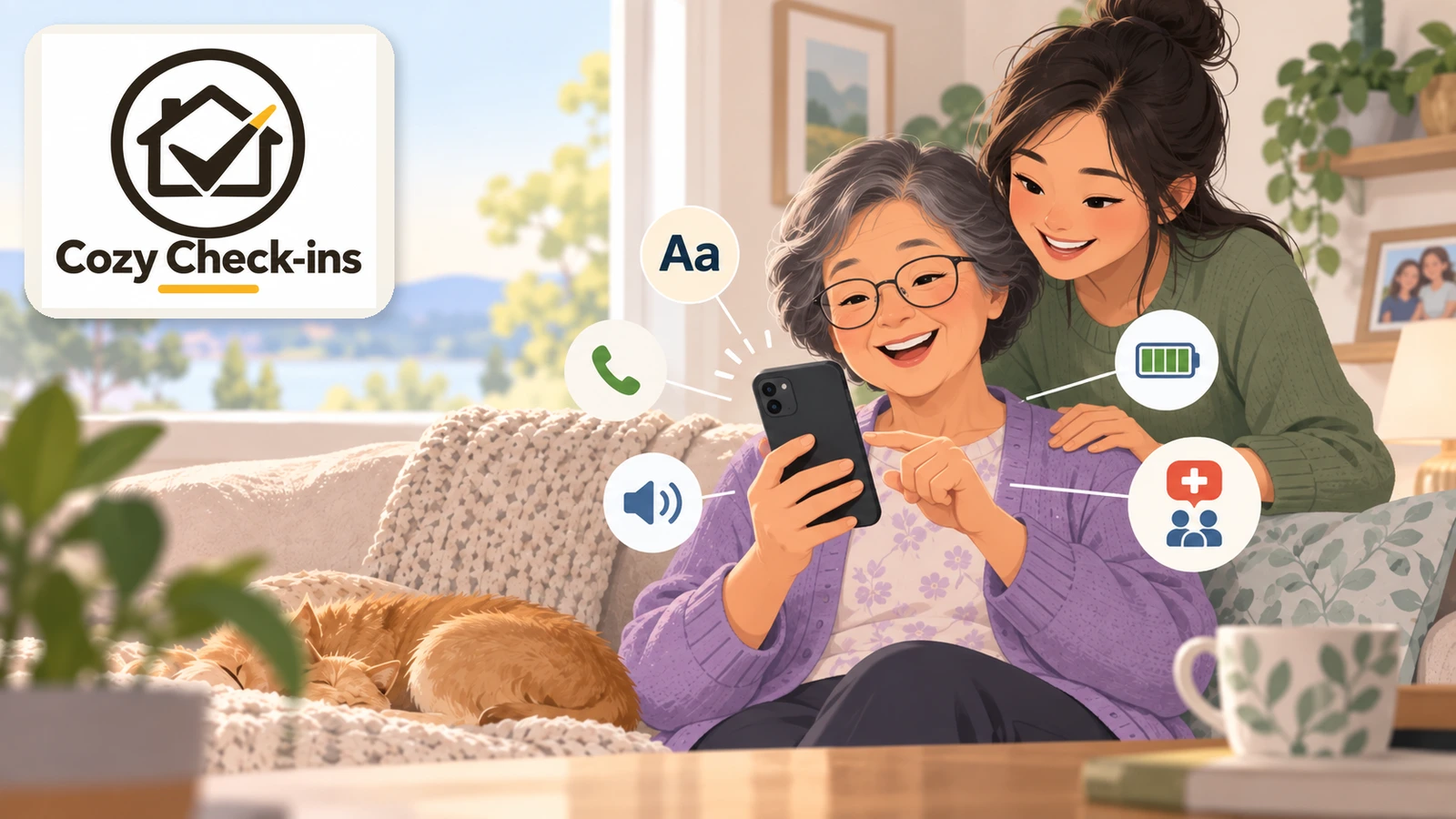
Phones for Seniors: How to Choose One Your Parent Will Actually Use
There isn't one best phone for every older adult — but there is a best way to choose. Start with what your parent actually does with a phone, then pick the simplest thing that does exactly that.
September 16, 2026