Checking on Aging Parents
How Do I Check on My Elderly Parent When I Live in Another State?
By The Cozy Check-ins team·Last updated July 13, 2026
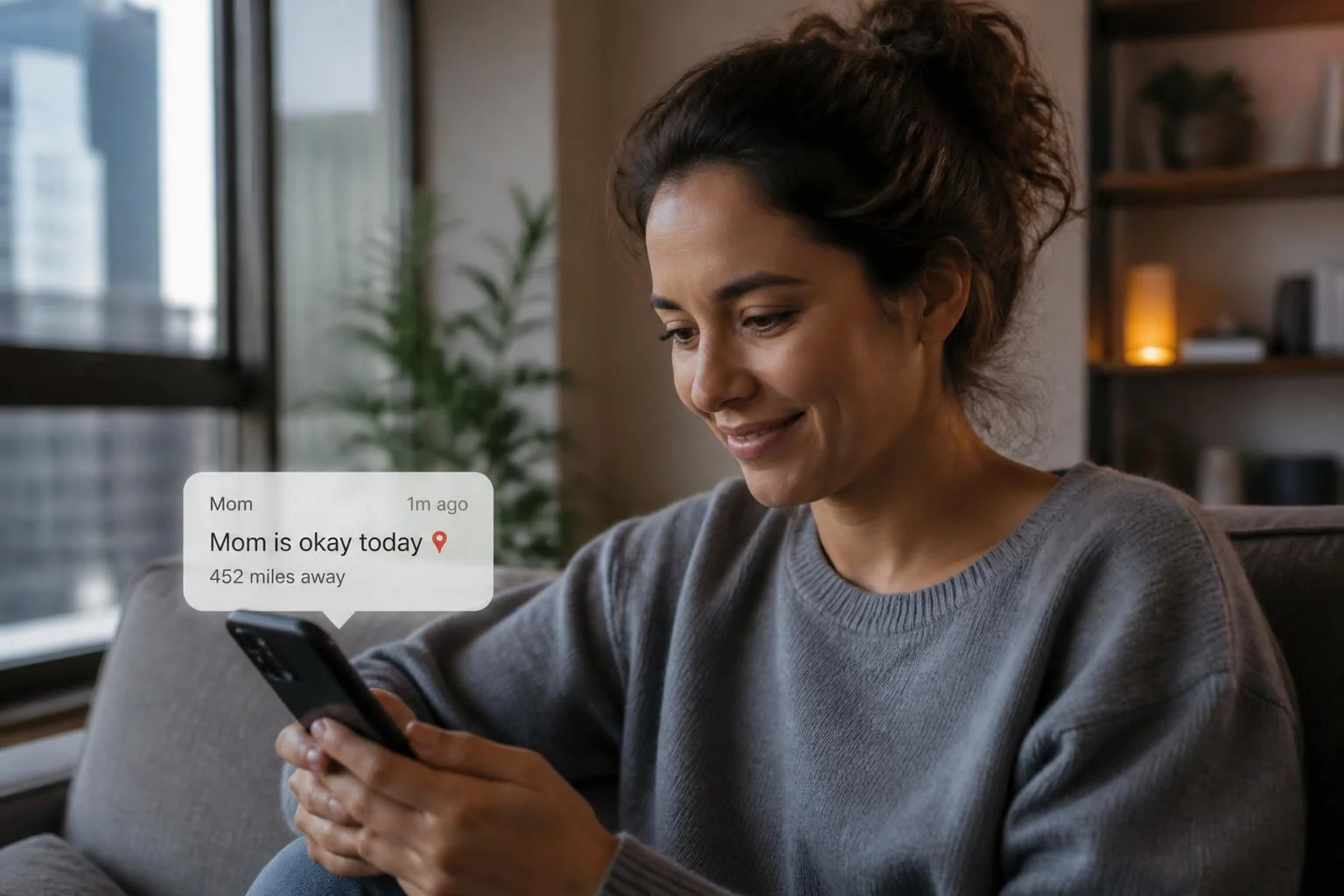
You live hours away, you can't drop by, and you think about it all day. You're not doing anything wrong — distance just makes "is Mom okay today?" harder to answer. That question is the daily reality of long-distance caregiving. If your parent is basically independent and you mostly want a simple daily signal, here's a low-friction, non-medical way to get it.
How can I check on a parent every day when I'm hours away?
Distance is common: 11% of family caregivers live an hour or more away from the person they help (AARP & National Alliance for Caregiving, Caregiving in the U.S. 2020). And you're far from alone in caring at all — 63 million Americans, about 1 in 4 adults, provided care in the past year (AARP & National Alliance for Caregiving, 2025). What long-distance families usually need isn't more technology in the parent's house — it's one dependable daily check-in. A daily check-in gives you that: your parent taps one button each morning to check in, and you're notified only if a day is missed. No flights, no guilt, no guessing.
How is a daily check-in different from just calling every day?
A daily call is warm — but it's also easy to slip into "checking up," and across a time zone it's hard to time right. Miss a call and you can't tell if she's busy or if something's wrong. A daily check-in removes that ambiguity: if they don't tap, you hear about it. If you hear nothing, they checked in. It doesn't replace the calls you want to make — you already know she checked in, so the call can be a normal conversation.
What if my parent doesn't have a smartphone or isn't good with tech?
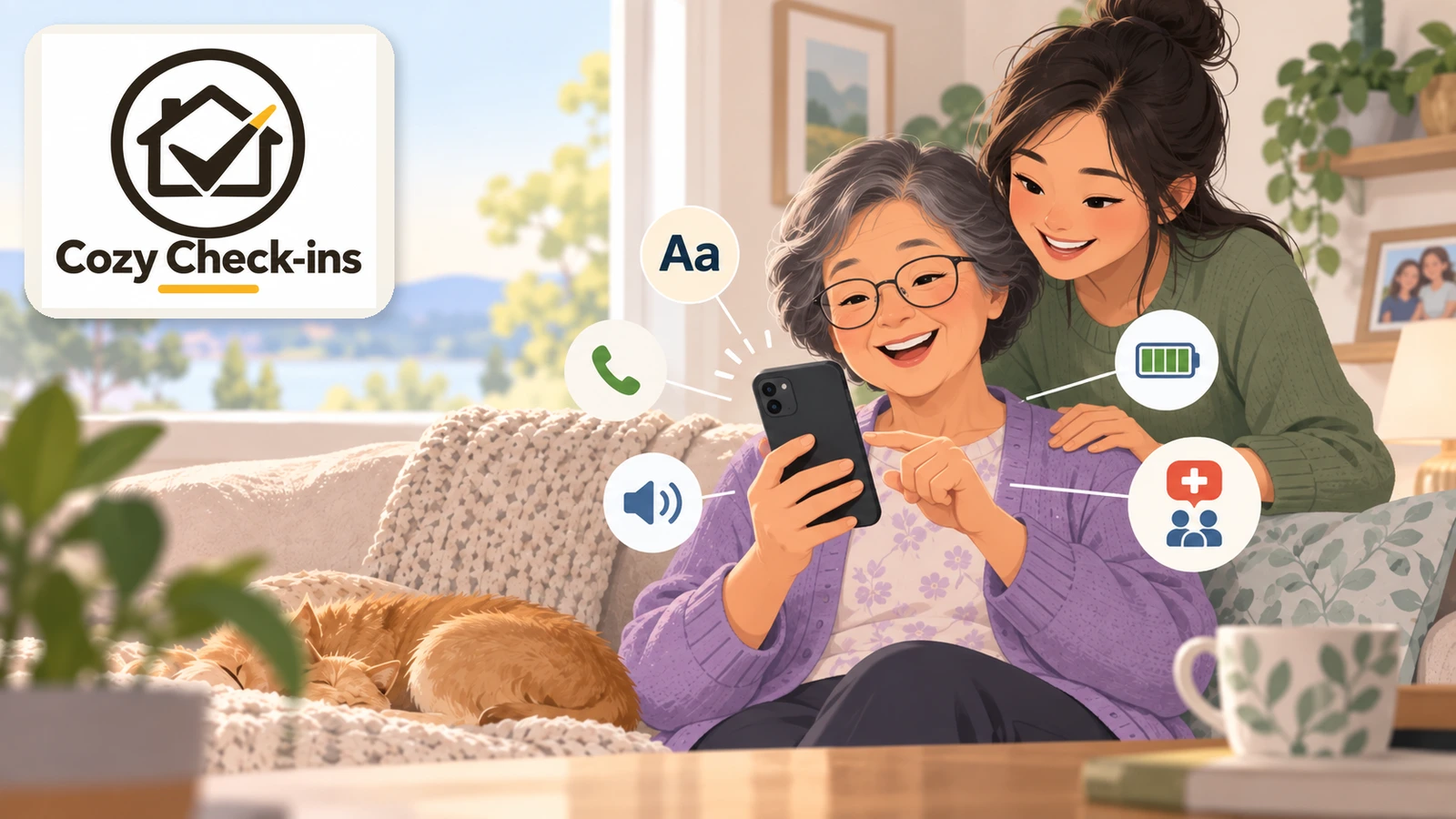
This is where distance usually feels hardest — you can't sit next to them and set it up. Cozy is built for exactly that. Your parent doesn't download an app, make an account, or learn anything: they get a friendly text with a link, and tapping it opens one big check-in button. A basic smartphone that can open a text link is all they need — and if they don't have one, Cozy can call them instead: a short automated call each day, and they press 1 to check in (US only). You handle any setup from your own phone, wherever you are, so there's nothing to install on their end and nothing for them to manage.
Honest comparison for long-distance caregiving families
- Daily phone call — warm and human, but time zones make it awkward, and a missed call tells you nothing. Tends to fall on whichever sibling is most anxious.
- Camera in the home — lets you look in from afar, but most parents feel watched, and you end up staring at a feed to feel okay. Most parents dislike it.
- Medical alert pendant — the right tool if there's real fall or emergency risk, and they actually wear it. It answers "did something happen," not "is she okay today."
- Daily check-in (like Cozy) — the easiest option when you live far away: one tap, no app, nothing worn, and the family is alerted if a day is missed. Best when the worry is "I just want to know she checked in."
How do my siblings and I share this so it's not all on me?
Long-distance caregiving quietly lands on one person — usually whoever worries most. Cozy is built around a shared Circle: everyone who should be in the loop gets the same daily check-in, and if a check-in is missed, everyone is alerted, not just you. So a brother two states over sees the same signal you do, and one person doesn't have to keep track of it alone.
What it looks like for your parent
One friendly text each morning, one tap — checked in — and they get on with their day. No app, no login, no new gadget. Cozy Check-ins keeps it to one button for them, so you're not talking them through technical problems every week.
A quick, honest note (what this is — and isn't)
A daily check-in is a non-medical way to stay connected and reassured across distance. Cozy is a non-medical peace-of-mind service, not a medical alert or emergency system — it won't detect a fall or call 911. If your parent is at real risk of falls or medical emergencies, a worn medical alert (or more hands-on support) is the right tool, and a check-in doesn't replace it. Cozy is built for the "basically fine, I just want to know each day" situation that so many out-of-state families are in. If you're weighing options, our post on choosing a senior check-in service walks through it.
Sources
Frequently asked questions
- Does Cozy work if my parent and I are in different states?
- Yes. It works anywhere the phone can receive messages, including outside the United States — your parent taps their daily button wherever they are, and you get the confirmation (or a heads-up if they miss it) wherever you are. Distance doesn't change anything.
- What happens if my parent doesn't tap their check-in one day?
- That's exactly what it's built to catch. A missed tap triggers a gentle reminder, and if there's still no response, everyone in their Circle is alerted — so you find out quickly instead of wondering.
- Does my parent need to download an app?
- No. They get a text with a link and tap one button. There's no app to install, no account, and no password — a basic smartphone that can open a text link is all they need. If they don't have a smartphone, Cozy can call them instead: a short automated call each day, and they press 1 (US only). We're also building an optional Cozy app for seniors who want extra features — it will always be optional, and the simple text check-in is never going away.
- Is it available in Spanish?
- Yes — Cozy Check-ins works in English and Spanish, so the whole family can stay in the loop no matter where they live.
The Cozy Check-ins team
Cozy Check-ins is a daily check-in for older adults — one tap in a daily text, or a short daily phone call for a parent without a smartphone. No app needed for them (an optional app is coming — always optional).
More from the blog

Checking on Aging Parents
My Parent Doesn't Have a Smartphone. Can a Daily Check-In Still Work?
About one in five adults 65+ still doesn't own a smartphone. A daily check-in can still work for them: one short automated call, press 1. Here's exactly what the call says, what happens if they don't answer, and the free programs worth checking.
September 19, 2026

Checking on Aging Parents
My Parent Can't Drive Anymore. How Do They Get to Medical Appointments?
The car keys are gone, and the appointments aren't. Here's where rides to medical appointments actually come from — Medicaid, Medicare, PACE, paratransit, volunteers and phone-booked rides — and who pays.
September 16, 2026
Checking on Aging Parents
Phones for Seniors: How to Choose One Your Parent Will Actually Use
There isn't one best phone for every older adult — but there is a best way to choose. Start with what your parent actually does with a phone, then pick the simplest thing that does exactly that.
September 16, 2026