Checking on Aging Parents
My Parent Isn't Good With Technology. Can They Still Use a Daily Check-In?
By The Cozy Check-ins team·Last updated July 13, 2026
"My mom isn't good with technology" is the single most common reason families hesitate — and it's usually the easiest worry to put to rest. A good daily check-in is built so there's nothing to learn: no app to install, no account, no password. If your parent can open a text message, they can use it. Here's exactly how it works for someone who "just isn't a tech person."
Does my parent need a smartphone or an app?
No app — and that's the whole point. Your parent doesn't download anything, doesn't create an account, and never sees a login screen. They get a friendly text with a link; tapping it opens one big check-in button. That's the entire experience. The one honest requirement for the text: a phone that can open a text link, which means a basic smartphone rather than an old flip phone. Most parents already have one — about 78% of adults 65+ now own a smartphone (Pew Research Center, 2026). If theirs can open a text and tap a link, it can do this. If it can't, Cozy can call them instead (more on that below).
What if my parent has never used apps and hates "figuring things out"?
Then this is built for them. The reason most tech "doesn't stick" with older parents isn't the person — it's the clutter: menus, updates, passwords, notifications they didn't ask for. A daily check-in strips all of that away. There are no settings for them to manage and no way to get "lost" — the screen is one button, every day, in the same place. It works like a single button, not like an app. Nothing to remember, nothing to break, nothing that makes them feel like they can't keep up.
What if they don't have a smartphone at all?
Honest answer: the text check-in needs a phone that can open a text link, so a true flip phone with no web browser can't use the text. But you have options. Cozy can check in by phone call instead: a short automated call each day at their check-in time, and your parent presses 1 to check in. It works on a landline or a basic cell phone in the US, and there's nothing to install or read. Some families instead give their parent an old smartphone — it doesn't need a data plan for much, just the ability to open a text — or pair the check-in with a simple, senior-friendly phone. If your parent flatly won't pick up any phone, a daily check-in isn't the right fit, and that's worth knowing up front rather than after you've set it up. Our guide to the daily check-in call for a parent without a smartphone has the exact call script and what happens if it isn't answered.
How is this easier than the alternatives?
- A check-in app you download — means an install, an account, a password, and updates. That's exactly the kind of thing a parent who dislikes technology gives up on.
- A medical alert pendant — has to be charged and worn every day. If it's not on them, it does nothing.
- A camera — nothing for your parent to do, but most feel watched, and now you're the one managing a feed.
- A daily check-in (like Cozy) — one tap on a text, nothing installed, nothing worn, nothing to charge. The least you can ask of a parent who doesn't like technology.
What setup do I have to do?
You do the small amount of setup — from your phone, in about five minutes. You enter your parent's number, and the system sends them the daily text. There's nothing for them to configure and no "training" session. Their side stays as simple as receiving a message from you and tapping once.
What it looks like for your parent
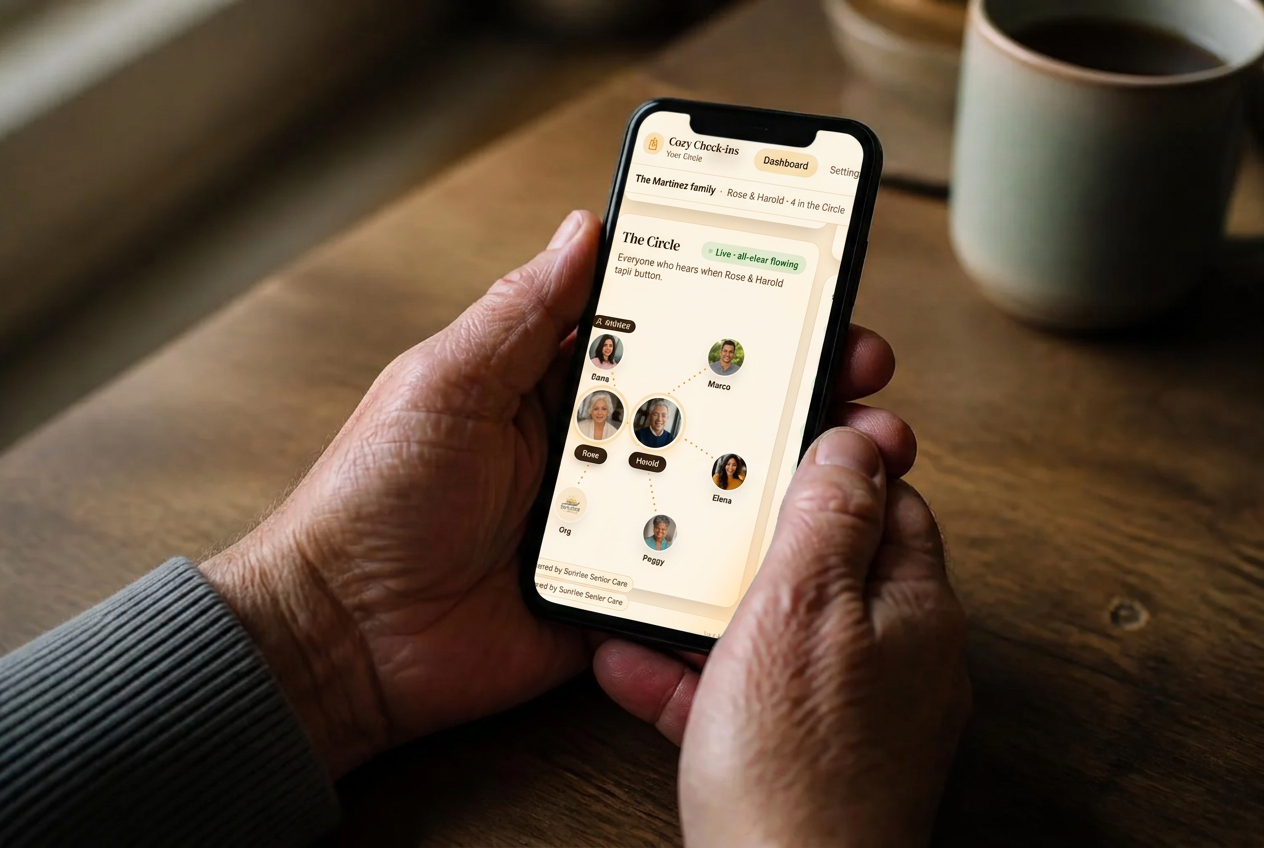
One friendly text each morning, one tap — checked in — and they get on with their day. No app, no login, no new gadget. Cozy Check-ins keeps their side as simple as possible, because simple is what a tech-shy parent will actually keep doing.
A quick, honest note (what this is — and isn't)
A daily check-in is a non-medical way to stay connected and reassured. Cozy is a non-medical peace-of-mind service, not a medical alert or emergency system — it won't detect a fall or call 911. If your parent is at real risk of falls or medical emergencies, a worn medical alert (or more support) is the right tool, and a check-in doesn't replace it. Cozy is built for the "basically fine, I just want to know each day" situation. If your parent lives far from you, our post on checking on a parent from another state covers that too.
Sources
Frequently asked questions
- Does my parent have to install an app?
- No. There's no app, no account, and no password. They get a text with a link and tap one button. A basic smartphone that can open a text link is all they need — and if they don't have one, Cozy can call them each day instead and they press 1. If they like, the button can also sit on their home screen like an app icon — optional, and still nothing to download. We're also building an optional Cozy app for seniors who want extra features — it will always be optional, and the simple text check-in is never going away.
- My mom really isn't a 'tech person.' Will she actually be able to use it?
- That's who it's designed for. The screen is a single button in the same place every day — no menus, settings, or updates. If she can open a text from you, she can do this.
- What if my parent only has an old flip phone?
- The text check-in needs a phone that can open a text link, so a flip phone with no web browser can't use the text — but Cozy can call them instead. A short automated call each day, and they press 1 to check in; it works on a landline or a basic cell phone (US only). Some families hand down an old smartphone instead; it doesn't need much of a plan, just the ability to open a text.
- Is it available in Spanish?
- Yes — Cozy Check-ins works in English and Spanish, so the whole family can stay in the loop.
The Cozy Check-ins team
Cozy Check-ins is a daily check-in for older adults — one tap in a daily text, or a short daily phone call for a parent without a smartphone. No app needed for them (an optional app is coming — always optional).
More from the blog

Checking on Aging Parents
My Parent Doesn't Have a Smartphone. Can a Daily Check-In Still Work?
About one in five adults 65+ still doesn't own a smartphone. A daily check-in can still work for them: one short automated call, press 1. Here's exactly what the call says, what happens if they don't answer, and the free programs worth checking.
September 19, 2026

Checking on Aging Parents
My Parent Can't Drive Anymore. How Do They Get to Medical Appointments?
The car keys are gone, and the appointments aren't. Here's where rides to medical appointments actually come from — Medicaid, Medicare, PACE, paratransit, volunteers and phone-booked rides — and who pays.
September 16, 2026
Checking on Aging Parents
Phones for Seniors: How to Choose One Your Parent Will Actually Use
There isn't one best phone for every older adult — but there is a best way to choose. Start with what your parent actually does with a phone, then pick the simplest thing that does exactly that.
September 16, 2026